Does Xero's Smart Document Capture replace a receipt app?
Xero now reads receipts you photograph, email or upload, and keeps the original with the record once you approve it. Here is what Xero says it does, what it does not say, and where a separate receipt app still earns its place.
Quenta6 min read
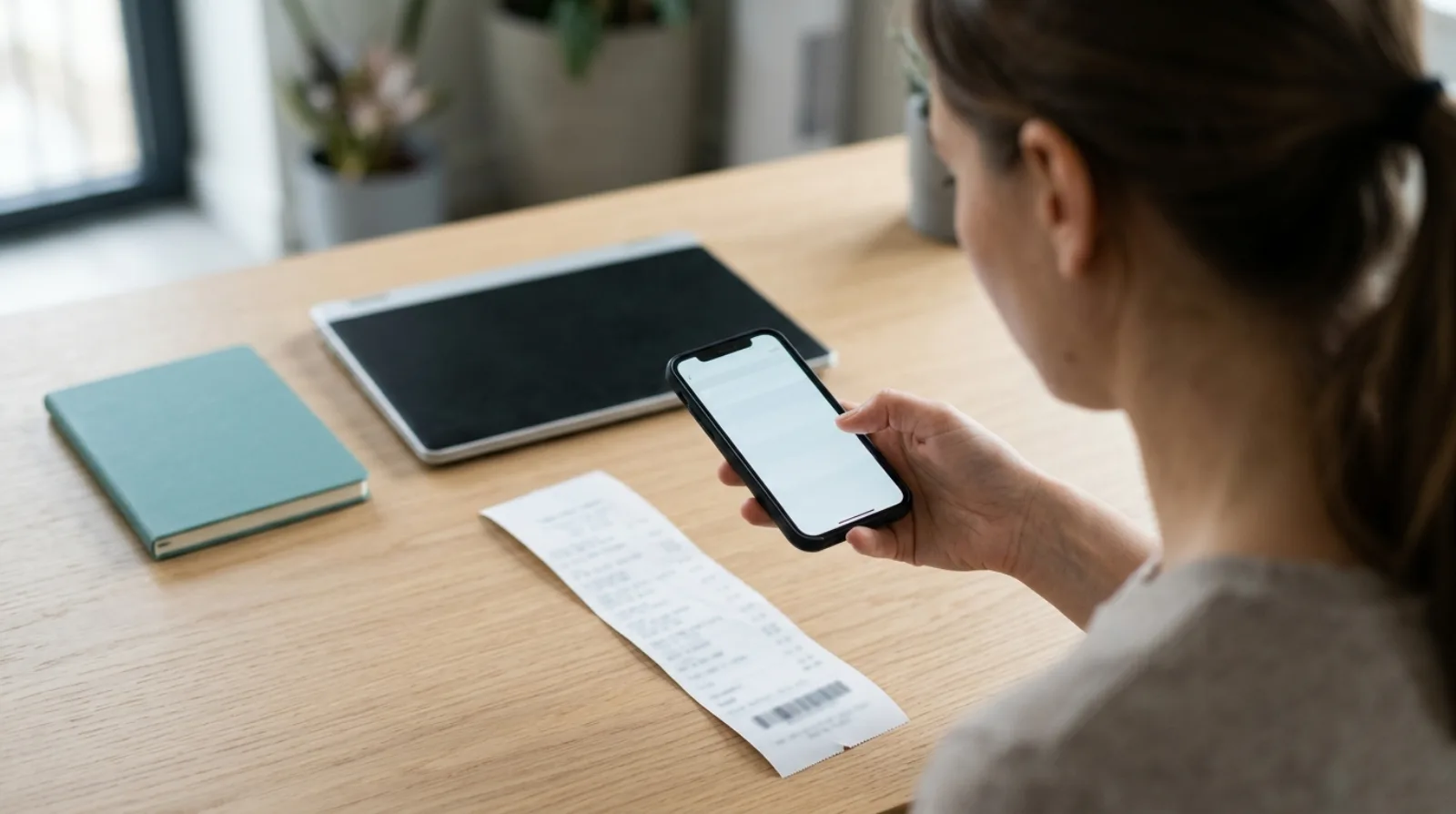
Short answer: for some businesses, yes. Xero's Smart Document Capture reads a receipt you photograph in the Xero Accounting app, forward by email or upload on the web, shows you what it found, and attaches the original to the record once you approve it. Xero's UK page says it is included in the Grow, Comprehensive and Ultimate plans. What that page does not say is which kind of record a receipt becomes, so if you want every card receipt to land as a spend-money transaction on the right bank account with no review step, a separate app such as Quenta still does that job.
This describes what Xero publishes about itself, read on 15 November 2026. Xero changes its products and prices, so check its pages before you decide. It is not accounting advice.
What is Smart Document Capture in Xero?
It is Xero's own receipt and bill reader, and it lives in the area that used to be called Files. Xero's product update of 18 September 2026 says Files is now called Documents and has moved from the organisation name menu to the Accounting menu, with existing documents unaffected.
Xero's UK page on storing files says you can photograph a paper receipt with the Xero Accounting app, forward a document to your Xero email address, or drag a file in over the web. It accepts JPG and PNG images, Word documents and PDFs. Xero says it extracts the details in under 20 seconds and checks them against your bank records.
Does Xero keep the original receipt with the record?
Yes. Xero's page says it attaches the original photo or file to the digital record, and that you can compare the original with the extracted data on the same screen. It also says Xero flags a document uploaded twice, so you can avoid duplicates.
That covers the question most people ask first, which is whether the receipt ends up next to the transaction. The manual route for the same result is in how to attach a receipt to a Xero transaction.
Which plans include it?
Xero's UK page lists Smart Document Capture under Grow, Comprehensive and Ultimate, and its FAQ says it is available on all Xero small business plans. Xero changes its plan prices and runs promotions, so read the current figures on Xero's page.
Upload volume, file size and page limits are not stated on that page.
What does Xero not say about it?
Xero's page does not say which record a receipt becomes. It lists the captured document types as receipts, invoices, bills and rental statements, and says Xero creates a financial record after you double-check and approve the information. Whether a card receipt turns into a spend-money transaction, a bill or something else is not spelled out there, so test it with your own receipts before you rely on it.
It also does not describe a receipt arriving as a transaction already waiting for your bank feed line. The approval step is yours each time.
When does a separate receipt app still help?
It helps when the receipt is for something you already paid from a card or bank account and you want the transaction to exist before the bank line arrives. Quenta photographs, uploads or takes a forwarded email of a receipt, reads the merchant, date, total, currency and VAT details, and posts an authorised spend-money transaction on the bank account you chose, with the original image attached. It asks you a question only when it cannot post safely, and the receipt then waits in Review. The steps are in the help guide to how Quenta works.
Three other things come from Quenta's own documentation. A phone with no signal saves the capture and uploads it later. Quenta learns how your business codes purchases and applies that to Xero lines. And a team can share one workspace, with each person's Xero permissions deciding which receipts they see.
Quenta does not reconcile for you. Xero matches the transaction to the bank line and you confirm it, as in stopping receipts piling up before reconciliation.
How do the two compare?
| Xero Smart Document Capture | Quenta | |
|---|---|---|
| Ways in | Xero Accounting app photo, email, web upload | App photo, upload, forwarded email |
| Review before a record exists | Xero says you approve first | Only when Quenta needs an answer |
| Record created | Not stated on Xero's page | Authorised spend-money transaction |
| Original attached | Yes, per Xero | Yes |
| Works with | Xero | Xero only |
| Cost | Included in Xero plans, see Xero's page | Free plan of 10 receipts a month, then £6 per user a month |
The Xero column comes from Xero's pages above. The Quenta column comes from Quenta's help guide and pricing page.
Can you use both?
Yes. Nothing in Quenta depends on Smart Document Capture, so you can keep Xero's reader for supplier bills and invoices and use Quenta for the receipts behind card payments. If you only have a handful of receipts a month, trying Xero's own tool first costs nothing extra on a plan that already includes it. For staff who pay personally and claim the money back, Xero has a separate route, described in whether Xero has its own receipt scanner.
What are the limits of Quenta?
Quenta only works with Xero. Foreign-currency receipts are posted without VAT and may ask for the amount actually charged to your bank or card. Quenta does not decide whether you can reclaim VAT on a purchase. Pro is capped at 350 receipts a month per workspace under fair use, so it is not unlimited.
Quick answers
Does Xero scan receipts without an app? Xero says you can photograph a receipt in the Xero Accounting app, email it to Xero or upload it on the web.
Does Xero keep the original? Xero's page says it attaches the original photo or file to the record.
Do I have to approve each one in Xero? Xero's page says you double-check and approve the information before it creates a financial record.
What does Quenta cost? The free plan covers 10 receipts a month per organisation. Quenta Pro is £6 per user a month, or £60 a year, tax included. See the pricing page.
To get receipts into Xero with the image attached and no typing, see receipt scanning for Xero. Try it today.
Quenta is an independent app from We UC Ltd. Xero is a trademark of Xero Limited. Quenta is not affiliated with or endorsed by Xero.
Photograph it and forget it.