Does Xero have its own receipt scanner, and when do you need another app?
Xero has a receipt scanner inside Xero Me, built for staff expense claims. If you want a receipt posted as a spend-money transaction on a bank account, with the image attached, that is a different job.
Quenta5 min read
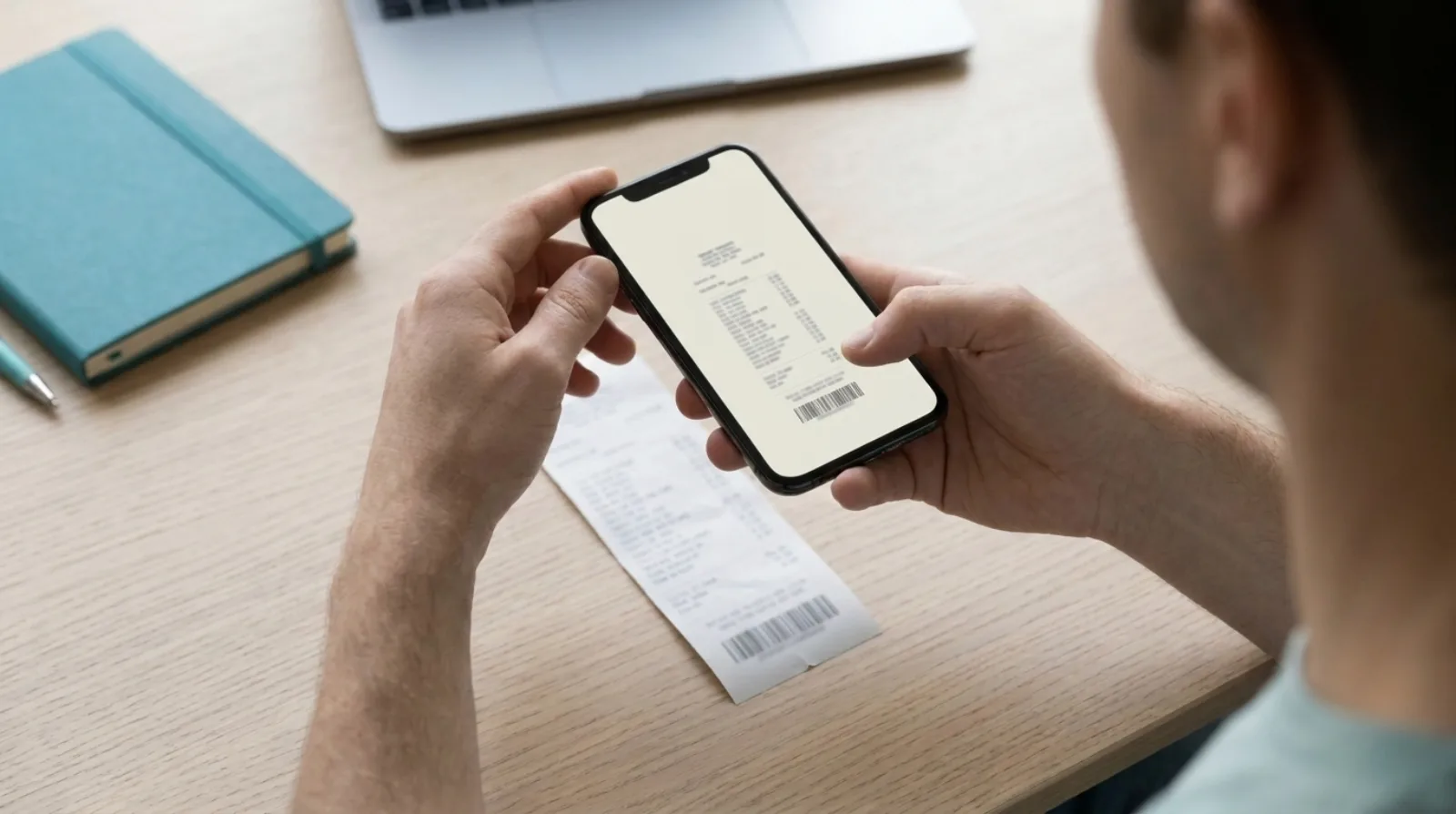
Short answer: yes. Xero has a receipt scanner in its Xero Me app, and it is built for expense claims. A member of staff photographs a receipt, Xero reads the supplier, date and amount, and the image is kept with the claim. Once someone approves the claim, Xero turns it into a bill. That suits an employee who paid personally and needs repaying. If you paid from the business bank account and want the receipt to become a spend-money transaction with the image attached, that is the job Quenta does.
This describes what the two products publish about themselves. It is not accounting advice, and Xero's plans and prices change, so check the page linked below before you buy.
What does Xero's own receipt scanner do?
Xero's scanner lives in Xero Me and feeds expense claims. Xero's UK page on scanning receipts, read on 2 November 2026, says employees submit claims from the Xero Me app, and that Xero reads the supplier, date and amount from the photograph. The image is stored in your file library. An approver reviews the claim, and approving it turns it into a bill, ready to pay.
So the output is a claim, then a bill. Nothing on that page says a scan creates a payment from your bank account.
Which Xero plans include it?
Xero's page says Grow, Comprehensive and Ultimate include claim expenses and mileage with Xero Expenses, and that you may need to add Xero Expenses to your subscription for an extra cost. It lists user limits for claims: 1 user on Grow, 5 on Comprehensive and 10 on Ultimate. Xero sets the prices and changes them, so read the current figures on Xero's page rather than here.
When is Xero's scanner the right tool?
It is the right tool when an employee has paid for something personally and the business owes them the money. The claim, the approval and the bill are the point. Receipts that go with that flow stay with the claim.
It is a poorer fit for the owner who tapped the company card at a petrol station. That purchase is already a line on the bank feed, and what it needs is a transaction to match, with the receipt attached.
What is the other job, and what does Quenta do with it?
The other job is turning a receipt for a card or bank payment into a transaction. Quenta does that. You photograph the receipt, upload an image or PDF, or forward an emailed receipt. Quenta reads the merchant, date, total, currency and VAT details, then creates an authorised spend-money transaction on the bank account you chose, with the original image or PDF attached. The steps are in the help guide to how Quenta works.
When the charge arrives on the bank feed, the transaction is already waiting to be matched. Quenta does not reconcile for you: Xero does the matching and you confirm it. Why that order helps is in stopping receipts piling up before reconciliation.
How do the two compare?
| Xero Me with Xero Expenses | Quenta | |
|---|---|---|
| Made for | Staff expense claims | Receipts for card and bank payments |
| What a scan becomes | A claim, then a bill once approved | An authorised spend-money transaction |
| Needs an approver | Yes, someone approves the claim | No. A receipt waits in Review when it needs an answer, for example an unclear field or a missing account mapping |
| Image | Kept with the claim | Attached to the Xero transaction |
| Cost | Included on some Xero plans, see Xero's page | Free plan of 10 receipts a month, then £6 per user a month |
The Xero column comes from Xero's page above. The Quenta column comes from Quenta's help guide and pricing page.
Can you use both?
Yes. They answer different questions, so a business can use Xero Expenses for staff who pay personally and Quenta for receipts behind card and bank payments. Nothing in Quenta depends on Xero Expenses, and Quenta only works with Xero.
If you are only after the attachment, you do not need a scanner at all. Xero lets you attach a file to a transaction by hand, and how to attach a receipt to a Xero transaction walks through it. The typing is what a scanner removes.

What are the limits of Quenta?
Quenta only works with Xero. Foreign-currency receipts are posted without VAT and may ask for the amount actually charged to your bank or card. Quenta does not decide whether you can reclaim VAT on a purchase. Pro is capped at 350 receipts a month per workspace under fair use, so it is not unlimited.
Quick answers
Does Xero scan receipts? Yes, through Xero Me and Xero Expenses, as part of an expense claim.
Does a Xero scan create a bank transaction? Xero's page describes a claim that becomes a bill on approval. It does not describe a scan posting a payment from a bank account.
What does Quenta cost? The free plan covers 10 receipts a month per organisation. Quenta Pro is £6 per user a month, or £60 a year, tax included. See the pricing page.
Is Quenta made by Xero? No. It is an independent app that connects to Xero.
To get receipts into Xero with the image attached and no typing, see receipt scanning for Xero. Try it today.
Quenta is an independent app from We UC Ltd. Xero is a trademark of Xero Limited. Quenta is not affiliated with or endorsed by Xero.
Photograph it and forget it.