How do you take a photo of a receipt and get it into Xero from your phone?
Xero Me reads a photographed receipt for an expense claim, and Quenta turns one into a spend-money transaction with the image attached. Either way, a flat receipt, a sharp total and the whole paper in frame decide whether the photo works first time.
Quenta5 min read
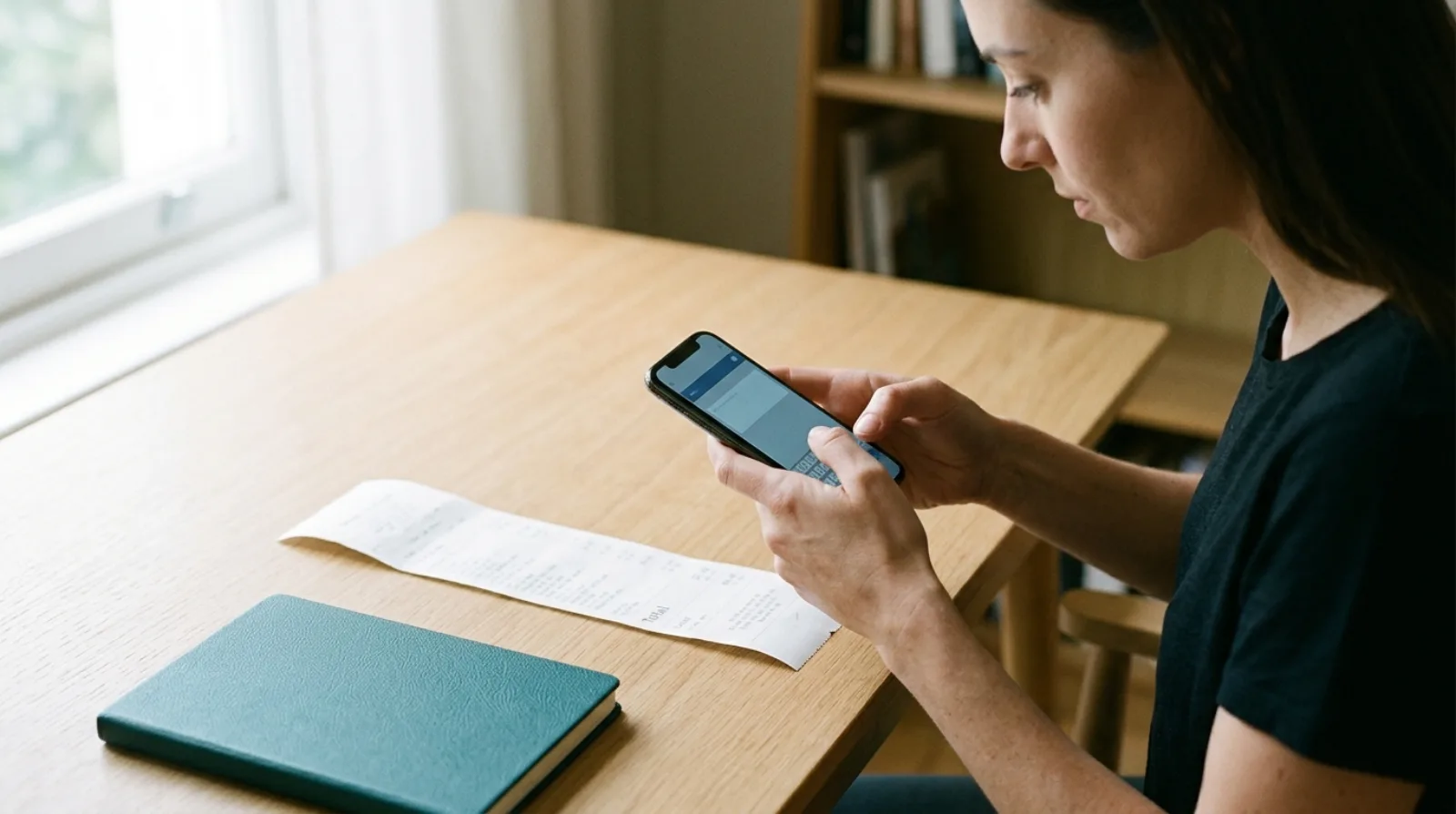
Short answer: you photograph the receipt in an app that is connected to Xero, and the app does the rest. Xero's own app, Xero Me, reads the supplier, date and amount and stores the image, and the result is an expense claim. Quenta reads the same details from your photograph, creates an authorised spend-money transaction on the bank or card account you choose, and attaches the original image, so a purchase you paid for yourself from the business account needs no typing. The photo itself matters more than the app: one receipt, laid flat, with the total and date sharp and every edge in frame.
This describes what the products publish and what HMRC says about records. It is not accounting advice, and Xero changes its screens and plans, so check the pages linked below.
Which apps will take a photo of a receipt for Xero?
Two routes are worth knowing about, and they end in different places. Xero's page on scanning receipts, read on 17 November 2026, says you open Xero Me, point at the receipt and tap, that the supplier, date and amount are read from it, and that the image is stored in your cloud receipt library. That route belongs to expense claims for money an employee paid personally, which the comparison with Xero's scanner goes through.
Quenta is the second route. You photograph the receipt, Quenta posts the transaction and the image is attached to it in Xero, as the guide to how Quenta works describes. Xero's Smart Document Capture against a receipt app sets out the differences in more detail.
How do you photograph a receipt so it reads first time?
Put one receipt on a flat, contrasting surface, keep the full receipt inside the frame, and check that the total and date are sharp before you tap. Quenta's scan guide gives that advice for the app's corner guides, and adds three more habits: avoid glare, flatten folds and shadows, and capture one receipt at a time.
A few practical consequences follow from those lines:
- Check the preview for shadows and glare before you tap, and shift the receipt or the light if either crosses the print.
- A long till receipt needs you to move back until both ends are in frame, while the text stays readable.
- If the photo is still unclear, upload the original PDF where you have one, because the guide recommends the PDF for emailed invoices and digital receipts.
- The merchant, date, currency and total are the four details to check are visible.
What happens after you tap the shutter in Quenta?
The receipt appears in your list straight away as Processing, and Quenta carries on reading and posting in the background while you do something else. High-confidence receipts with a known destination post automatically. A receipt waits in Review when a field is unclear or an account mapping is missing, with the reason in plain words, and a posted one shows as Submitted with a link to the transaction in Xero.
Before the first capture you choose the organisation under Submit to and the bank or card account under Paid from, which Quenta remembers for the next receipt. Quenta does not do the reconciling: when the charge arrives on your bank feed, the transaction is already waiting for Xero to match it, and you confirm the match yourself.
What if you have no signal?
The mobile apps save the capture on the phone before they try to upload it. It shows as Queued offline and retries on its own when the backend is reachable. The scan guide asks you not to delete the row or uninstall the app until it has uploaded.
If the receipt reaches you on the phone already, as a photo in your gallery or a PDF in another app, you can send it to Quenta from the share button on iPhone, or upload it from the app or the web. Emailed receipts have their own route, covered in getting an emailed receipt into Xero.
Can you throw the paper away after photographing it?
Often yes for VAT records, if the image keeps all the detail. HMRC's VAT Notice 700/21, section 6, says that if the image is retained and contains all the detail required for VAT purposes, the business does not need to keep the original unless it is required for another purpose. Section 2.4 says you must generally keep business records for VAT purposes for at least 6 years. Some records must be kept in their original form by law, and HMRC gives the C79 import VAT certificate as its example. The fuller answer is in whether you need to keep paper receipts if you have a photo.
What does Quenta cost?
Quenta has a free plan of 10 receipts a month per organisation. Quenta Pro is £6 per user a month, or £60 per user a year, tax included, and it is capped at 350 receipts a month per workspace under fair use, so it is not unlimited. The pricing page has the details.
What are the limits?
Quenta works with Xero only. Foreign-currency receipts are posted without VAT and may ask for the amount your bank or card actually charged. Quenta does not decide whether you can reclaim VAT on a purchase, and a photograph it cannot read waits in Review for you to fix. If you only need a receipt attached to a transaction that is already in Xero, attaching it by hand does that without a new app.
Quick answers
Can I photograph a receipt straight into Xero? Yes, through Xero Me for an expense claim, or through Quenta for a transaction on a bank or card account.
Does Quenta keep the photo? Quenta retains the original image or PDF so it can be attached to the Xero transaction.
What if the photo is blurry? Retake it flat and closer, or upload the original PDF.
To get receipts into Xero from your phone with the image attached and nothing to type, see receipt scanning for Xero. Try it today.
Quenta is an independent app from We UC Ltd. Xero is a trademark of Xero Limited. Quenta is not affiliated with or endorsed by Xero.
Photograph it and forget it.