What do you do with a receipt that has more than one VAT rate in Xero?
A supermarket or fuel receipt can mix 20%, 5% and 0% items. Keep the whole receipt and work from the per-rate totals it prints. Quenta posts item lines only when they reconcile to the penny, and VAT follows the Xero account's default tax rate.
Quenta5 min read
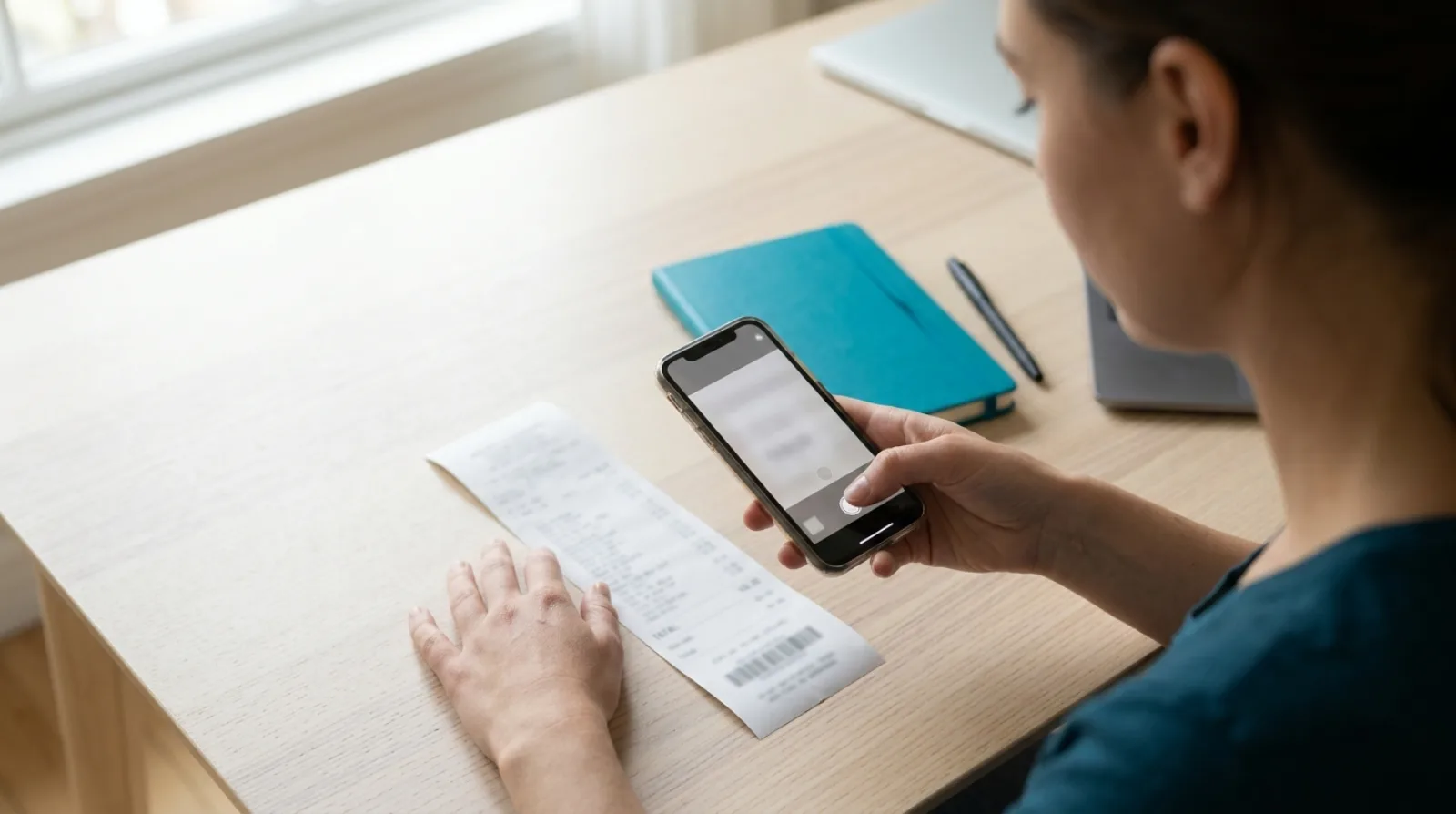
Short answer: a receipt with more than one VAT rate should be recorded so that each rate is visible and the lines add up to the total you paid. In the UK the rates are 20% (most goods and services), 5% (some, such as home energy) and 0% (most food), according to GOV.UK's VAT rates page. Quenta reads the receipt, posts item lines to Xero only when they add up to the final total to the penny, and otherwise posts the whole total as one line and leaves the receipt image attached either way.
This describes a workflow, not tax advice. Whether you can reclaim VAT on a purchase depends on your registration and the supply, so ask your accountant when it is unclear.
Why does one receipt carry several VAT rates?
VAT is set per item, not per shop, so a single till receipt from a supermarket can hold a 20% item such as a printer cartridge, a 0% item such as a sandwich and a 5% item. GOV.UK lists the three rates and adds that some things, such as postage stamps and financial transactions, are exempt, which is a separate category from zero-rated.
If you record the whole receipt as one line at 20%, the VAT figure in your books will be higher than the VAT actually shown on the receipt. If you record it at 0%, you leave out VAT that may be reclaimable. Either way, the figure on the VAT return stops matching the paper.
What does HMRC expect a receipt to show?
For a supply of £250 or less including VAT, a retailer can give a less detailed invoice. HMRC's VAT Notice 700/21, section 4.4, says it shows the total payable including VAT for each rate and the rate charged. Above £250 the supplier must issue a full VAT invoice, which section 4.1 says shows the rate of VAT and the amount payable excluding VAT for each description.
A receipt that mixes rates should print a total per rate, and that printed summary is the thing to copy from rather than working the VAT out yourself.
How do you record it?
HMRC's VAT Notice 700/21, section 4.4, says a simplified receipt shows the total payable including VAT for each rate and the rate charged, so the printed per-rate totals are the figures to work from. Check that they add up to the total you paid, and if they do not, ask the supplier for a corrected receipt or a VAT invoice.
If the receipt does not print a VAT summary, you cannot reliably tell which items carried which rate. Ask the supplier for a VAT invoice, and see what to do if you lose a receipt for the wider picture.
How does Quenta handle a mixed-rate receipt?
Its how it works guide says it extracts the merchant, date, total, currency, VAT details and a suggested category, and that VAT follows the selected Xero account's default tax rate when the receipt supports it. Quenta then creates an authorised spend-money transaction in Xero with the receipt attached.
Quenta does not set a separate rate for every item. VAT follows the selected Xero account's default tax rate, and a receipt with a printed VAT summary is itemised only when its lines also reproduce the printed standard-rate and zero-rate amounts. Check the tax rate on each line in Xero before you reclaim, especially if the receipt has a 5% item.
For receipts with several items, Quenta posts the detail only when it can prove it. Complete item lines are posted as named Xero lines only when they add to the final total to the penny, and a receipt that prints a VAT summary has to reproduce both printed VAT amounts too. When the detail is incomplete or does not add up, Quenta posts the verified whole total rather than invent a split, and a receipt it is unsure about waits in Review for you to correct.
Two cases are worth knowing. Foreign-currency receipts are posted without VAT, which the foreign-currency guide covers. And if you pick an account yourself when you confirm a receipt, that choice wins over Quenta's suggestion.
What should you check before you reclaim the VAT?
- The receipt is a VAT receipt. A card slip is not one. It needs the supplier's VAT registration number and the VAT shown.
- The rate matches the item. A printed 0% on food and 20% on a cartridge is what you expect. A surprise is worth a look.
- Lines add up. Gross lines equal the total you paid.
- The image is kept. HMRC's notice, section 2.4, says VAT records are generally kept for at least 6 years, and section 6 says a scanned image can replace the original where it contains all the detail required for VAT. The guide on keeping paper receipts when you have a photo goes through the detail.
What does it cost?
Quenta's free plan covers 10 receipts a month per organisation. Quenta Pro is £6 per user a month, or £60 per user a year, tax included. Pro is fair-use capped at 350 receipts a month per workspace, so it is not unlimited. See the pricing page.
Quick answers
What are the UK VAT rates? 20% standard, 5% reduced and 0% zero, with some supplies exempt, per GOV.UK.
Can one receipt have two VAT rates? Yes, one till receipt can carry several. A retailer's receipt up to £250 should show the VAT-inclusive total for each rate.
Does Quenta split a receipt into lines? Only when the lines add up to the final total to the penny. Otherwise it posts the whole total.
Do I keep the paper if I have the photo? HMRC says a scanned image can replace the original where it holds all the VAT detail. The guide linked above goes through it.
Is Quenta made by Xero? No, it is an independent app that connects to Xero.
To see the whole route from photograph to posted transaction, read receipt scanning for Xero. Try it today.
Quenta is an independent app from We UC Ltd. Xero is a trademark of Xero Limited. Quenta is not affiliated with or endorsed by Xero.
Photograph it and forget it.