What is the easiest way to keep receipts organised in Xero?
Keep each receipt on the Xero transaction it supports, not in a folder beside it. Photograph it the day you pay, and Quenta posts the transaction with the image attached, so the books and the evidence stay in one place.
Quenta5 min read
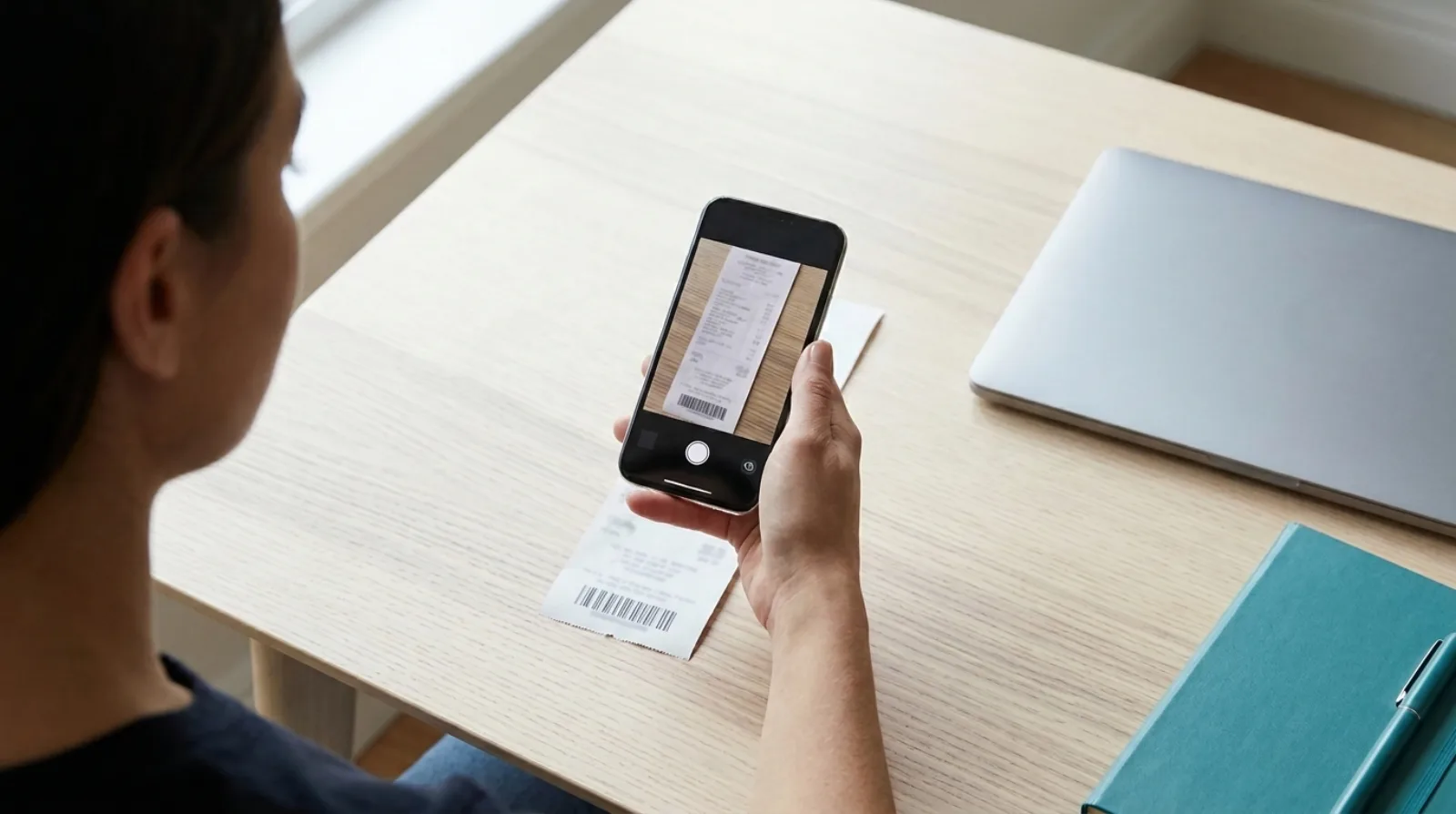
Short answer: the easiest way to keep receipts organised in Xero is to attach each one to the transaction it supports, on the day you pay. You then have no folder to sort: a receipt is opened from the transaction it backs up. Quenta does this for card and bank purchases. You photograph, upload or forward the receipt, and Quenta posts an authorised spend-money transaction in Xero with the original image attached.
This describes a workflow, not accounting or tax advice. Where a rule matters, the source is linked.
Why does a folder of receipts stop working?
A folder stops working because it is a second list that nothing keeps in step with the first. The books say you spent money at a supplier on a Tuesday. The folder holds a pile of paper, or a camera roll of photos, with no link between the two. To prove one line you search the pile.
The fix is not a tidier folder. It is having one place where the number and its evidence sit together.
Where should a receipt live in Xero?
A receipt should live on the Xero transaction itself. Xero Central's "Attach a file to a transaction" says users with access to documents can attach files to spend and receive money transactions. A receipt attached there is opened from the same screen as the amount, the supplier and the account.
Attaching by hand works. The steps are in how to attach a receipt to a Xero transaction. The cost is time: one transaction, one file, each time.
What do you need to keep, and for how long?
For VAT, GOV.UK's VAT Notice 700/21 says VAT records generally need to be kept for at least 6 years. It also says a scanned image that keeps all the detail required for VAT generally means you do not need to keep the original invoice, unless it is needed for another purpose. Typing selected details into software is not a copy, so the original must still be kept in that case.
That last point is why the image matters. HMRC's notice treats typed-in data and a scanned image differently: typed figures are not a copy of the invoice, while a scan that keeps all the VAT detail can be. Whether your attached image meets that test is for you or your accountant to judge. Some records, such as the C79 import VAT certificate, must always be kept in original form.
How does Quenta keep them organised without a filing step?
Quenta files the receipt by creating the transaction. Its help guide to how Quenta works describes the steps:
- Quenta reads the merchant, date, total, currency, VAT details and a suggested category.
- It applies what you told it before. If you ticked Remember this choice, the same category uses the same Xero account next time.
- It posts, or it asks. A receipt it can place with confidence posts. Otherwise it waits in Review with the problem in plain words.
- It creates an authorised spend-money transaction in Xero and attaches the original image or PDF.
The receipt is then organised by the thing that already organises your books: the Xero transaction, with its date, supplier and account.
How should a small team do this?
A small team needs one route in, and one person who clears the exceptions. The team and settings guide explains the pieces:
- Everyone captures with their own Xero login. Quenta relies on Xero for who is on the team and what they can do, so there is no second user list to keep.
- Staff with submit-only access can send receipts without being shown bank-account details. An admin allocates the paid-from account later.
- Admins open Team to filter receipts by teammate.
- Seats are claimed by use: a spare seat is taken on someone's first capture.
What is a routine that takes minutes a week?

Capture on the day, clear Review once a week, and reconcile as usual.
- Photograph the receipt when you pay. Lay it flat, keep all of it in frame, and make sure the total and date are sharp. The scan a receipt guide has the detail.
- Forward emailed receipts the same day. Forward the original email with the PDF or image attached, as in the email receipts guide.
- Clear Review weekly. Each item says what is wrong: a missing account, a currency to confirm.
- Reconcile on your normal schedule. Each bank feed line should find a transaction already waiting. Stopping receipts piling up before reconciliation covers the order of work.
With no signal, the mobile apps save the capture and show Queued offline, then upload when the connection returns.
What are the limits?
Quenta works with Xero only. It does not reconcile for you, and it does not decide whether you can reclaim VAT on a purchase. Foreign-currency receipts are posted without VAT. Xero can refuse changes to a reconciled transaction or a locked period, and Quenta shows Xero's reason and leaves the record as it was.
What does it cost?
Quenta's free plan covers 10 receipts a month per organisation. Quenta Pro is £6 per user a month, or £60 per user a year, tax included. Pro is fair-use capped at 350 receipts a month per workspace, so it is not unlimited. See the pricing page.
Quick answers
Do I still need a folder? Not for receipts that are attached to their Xero transactions. Keep one only for records Xero does not hold.
Does the paper need keeping? HMRC's notice says a scan that keeps all the VAT detail can stand in for the original invoice, with exceptions. Read the notice for your case.
Can staff add receipts without seeing our bank details? Yes. Submit-only users can send receipts, and an admin allocates the payment account later.
Is Quenta made by Xero? No. It is an independent app that connects to Xero.
To see the whole route from photograph to posted transaction, read receipt scanning for Xero. Try it today.
Quenta is an independent app from We UC Ltd. Xero is a trademark of Xero Limited. Quenta is not affiliated with or endorsed by Xero.
Photograph it and forget it.