How do bookkeepers get receipts from clients into Xero?
A bookkeeper needs each receipt attached to its Xero transaction. The simplest routes are a shared forwarding address, a photo from each person's phone, or a Xero login with the right role. Here is how each one works in Quenta.
Quenta5 min read
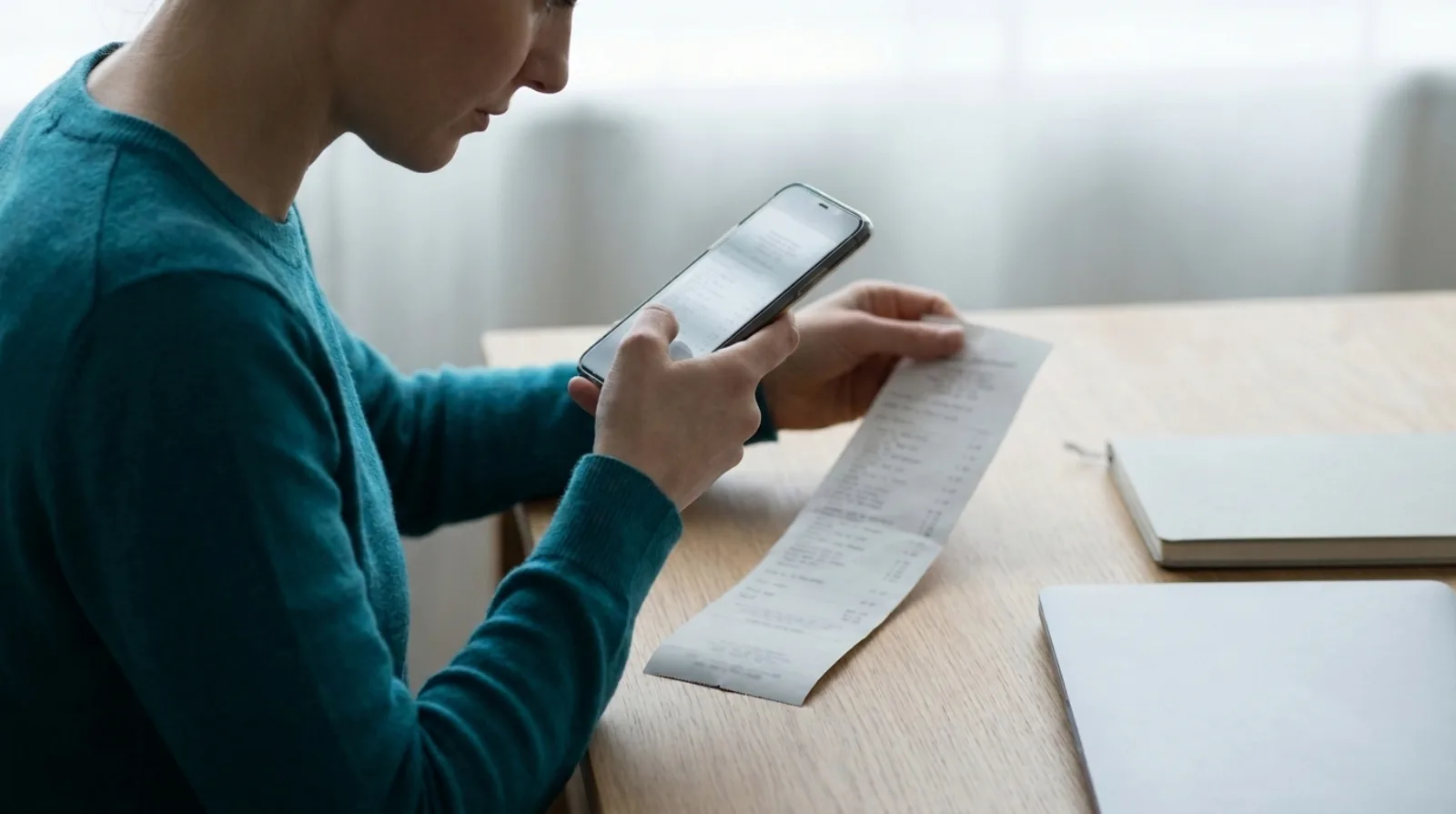
Short answer: a dependable way for a bookkeeper to get a client's receipts into Xero is to move the work to the person who holds the receipt. Each person photographs it the day they pay, or forwards the emailed copy to a shared address, and it arrives in Xero as a spend-money transaction with the image attached. With Quenta, that means a forwarding address for digital receipts and a phone app for paper ones. The bookkeeper then finds the evidence on the Xero transaction instead of chasing it in a message thread.
This describes a workflow, not accounting or tax advice. What the receipt supports, and how it should be coded, is for the bookkeeper or accountant to decide.
Why do client receipts reach the bookkeeper late?
Receipts are held by whoever paid, and that is rarely the person doing the books. A card payment can reach the bank feed before the receipt reaches anyone. The receipt is in a coat pocket, a car door or an inbox. By the time the bookkeeper reconciles, the question "what was this payment?" goes to someone who has forgotten.
Xero's own guidance on reconciling says each bank statement line is matched to an existing transaction or one created during reconciliation, so a line with no receipt behind it becomes a question (Xero Central: reconcile your bank account). The fix is to create the transaction, with its receipt, before the bookkeeper opens the bank feed. The guide on stopping receipts piling up before reconciliation covers that habit.
What are the ways to get receipts to a bookkeeper?
There are four common routes.
- A bag, folder or email thread. It costs nothing, and the bookkeeper types every line. The receipt is separate from the Xero transaction unless someone attaches it by hand (Xero Central: attach a file to a transaction).
- Xero's own phone app for staff. Xero describes a receipt scanner in Xero Me, built around expense claims: staff photograph a receipt, and it is kept with the claim for the business to review and approve. Claims are included on some Xero plans and not others, so check Xero's page on scanning receipts for the plan you are on. It suits a person who paid personally and needs repaying.
- A shared forwarding address. Digital receipts, such as an online order or a software invoice, are forwarded by email and handled without anyone downloading a file.
- A photo from each person's phone. Quenta turns the photo into a posted Xero transaction with the image attached.
How does the forwarding address work in Quenta?
Quenta gives a workspace a forwarding address for receipts, so a supplier, assistant or client can email a receipt in and it follows the same route as an upload. According to the email receipts guide, if Email receipts in appears in Settings there are several options:
- The standard address accepts mail forwarded from the email address you use to sign in.
- The workspace address accepts mail from any sender, so it can be shared with a supplier or assistant.
- Admins can add regular sender addresses. Each sender confirms access by email.
- Organisations can have separate addresses, so a receipt reaches the right company.
Forward the email with the receipt image or PDF attached. Keep the workspace address private: anyone who knows an unrestricted address may be able to submit a receipt to that workspace. Admins can remove senders or change an organisation's address in Settings.
What about staff who should not see the bank accounts?
A person can send receipts without seeing sensitive account choices. Quenta follows the person's Xero role. Per the getting started guide, Standard and Adviser users can administer the organisation and view team receipts. Submit-only users can send receipts without being shown bank-account information, and an admin allocates the payment account later.
In practice a business owner can hand every employee the phone app. The employee photographs the receipt. The owner or bookkeeper opens Team, filters by teammate, and chooses the paid-from account where the employee could not. The team and settings guide lists the steps. Quenta relies on Xero for membership and roles, so people are added or removed in Xero, not in a second user list.
What does the bookkeeper see afterwards?
A posted receipt becomes an authorised spend-money transaction in Xero with the original image or PDF attached, per the how it works guide. When bank feed lines arrive, the transaction is waiting to be matched.
A receipt that is unclear, or has no known destination, does not post on a guess. It waits in Review with the reason in plain words, so the bookkeeper's questions are about the few receipts that need an answer, not all of them. The review and fix guide has the steps.
How should a business set this up with its bookkeeper?
A business and its bookkeeper need three decisions to set up receipt capture:
- Who captures? Everyone who pays with a business card gets the app. The free plan covers 10 receipts a month per organisation.
- Where do digital receipts go? Pick the forwarding address and tell suppliers and the assistant. Add regular senders so their mail is accepted.
- Who allocates? Decide whether the owner or the bookkeeper clears the payment-account questions from the Team list each week.
Quick answers
Can the bookkeeper just email receipts to Xero? Xero Central is the place to check what your plan accepts by email, and it can change. Quenta's forwarding address is a separate route and ends in a posted transaction with the image attached.
Does it cost per client? Quenta Pro is £6 per user a month, tax included, or £60 a year, with up to 350 receipts a month per workspace under fair use. A seat is claimed when a person first captures a receipt. See the pricing page.
Does it work with software other than Xero? No. Quenta posts to Xero only.
Is the free plan enough to try it? It gives 10 receipts a month per organisation, enough to judge the first few on real purchases.
For the one-person route, see receipt scanning for Xero. For the manual route, see how to attach a receipt to a Xero transaction.
Quenta is an independent app from We UC Ltd. Xero is a trademark of Xero Limited. Quenta is not affiliated with or endorsed by Xero.