How do you enter a cash receipt in Xero?
Record a cash purchase as a spend money transaction paid from a cash account, and attach the receipt to it. Quenta posts the transaction from a photograph, as long as the cash account is one of the bank accounts in your Xero organisation.
Quenta5 min read
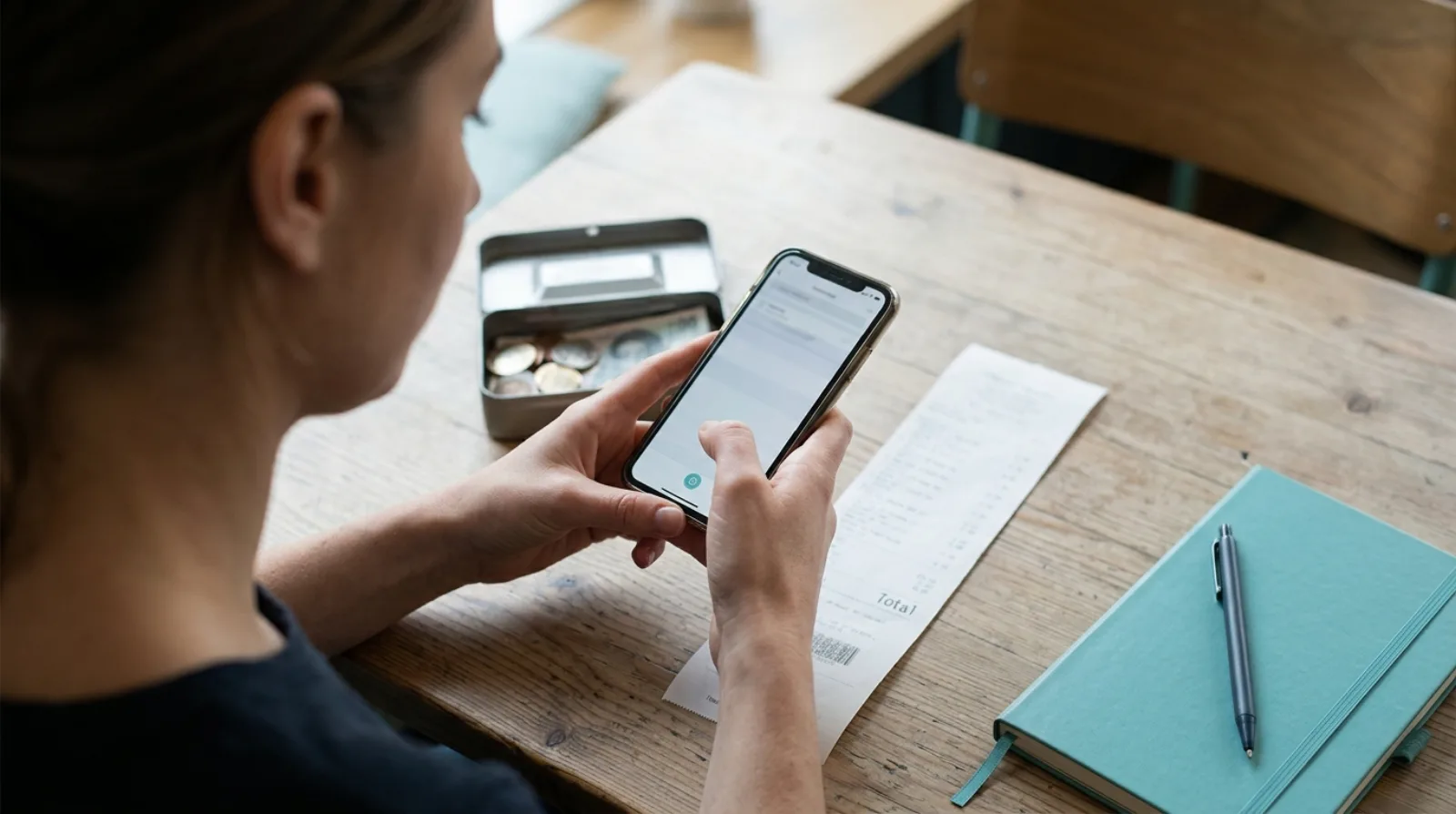
Short answer: enter a cash purchase the way you would enter a card purchase, as a spend money transaction, but paid from an account that stands for the cash in your tin or wallet rather than from your current account. Attach the receipt to it so the record carries its evidence. Quenta turns a photograph of the receipt into that transaction, with the image attached, provided the cash account is one of the bank accounts Xero lists for your organisation.
This describes what the products and official bodies publish. It is not accounting advice, and Xero changes its screens, so check the linked pages and ask your accountant how your own cash should be treated.
Why does a cash receipt need its own account in Xero?
Because there is no bank feed line to match it against. A card payment appears on your statement a day or two later, and the receipt only has to be attached to that line. A cash payment leaves no line anywhere, so the receipt is the only trace of it, and it has to create the entry itself.
Xero's UK petty cash glossary page, published 23 July 2026, says petty cash is classified as a current asset and sits under "cash and cash equivalents" on your balance sheet, alongside your bank account balances. Keeping the cash in an account of its own is what lets the balance in Xero be compared with the notes and coins you can count.
How do you record the purchase itself?
Record one spend money transaction per receipt, dated the day you paid, with the supplier, the total, the expense account and the VAT treatment the receipt supports. Xero's guide to managing petty cash, published 17 April 2026, suggests a fund of "typically between £50 and £200" and says to collect the receipt for every spend and log the top-up as money moving from your bank to the fund.
Two things from that guide matter most in practice:
- Top up the cash account with a transfer from your bank account, so the withdrawal on your bank statement has something to match against.
- Record the spend against the cash account, never against the bank account the cash came from, or the withdrawal and the purchase get counted twice.
Do you have to keep the paper receipt?
Keep the record, which can be a clear image rather than the paper itself. HMRC's VAT Notice 700/21, section 2.4, says VAT records are generally kept for at least 6 years, and section 6 says a scanned image can replace the original where it contains all the detail required for VAT. For a limited company, HMRC's company and accounting records guide lists petty cash books among the records of money spent. The longer answer is in keeping paper receipts when you have a photo.
Cash receipts are also the ones most often lost, because nothing else shows the payment happened. If one has gone, what to do with a lost receipt covers the options.
Can Quenta enter a cash receipt for you?
Yes, for the cash account you choose as the paid-from account. Quenta reads the merchant, date, total, currency, VAT details and a suggested category from the photograph, then creates an authorised spend money transaction in Xero and attaches the original image, as its how it works guide describes. If a detail is unclear the receipt waits in Review, with the reason in plain words.
The paid-from list comes from the bank accounts in your Xero organisation, and admins can control which of them appear under Bank accounts in Settings. A petty cash account set up in Xero as a bank account should therefore be one you can pick. Quenta's guides do not mention petty cash by name, so photograph one receipt first and check that the transaction lands in the account you expect before you rely on it.
Quenta does not post to a cash account that Xero holds as anything other than a bank account, so if yours is a different type, the spend has to be entered in Xero directly.
How do you capture a cash receipt on the spot?
Photograph it when you are handed it, because till paper fades and cash receipts have no second copy on a statement. Quenta's scan a receipt guide says to lay the receipt on a flat, contrasting surface, keep the whole receipt inside the corner guides, and make sure the total and date are sharp. With no signal, the mobile apps save the capture and upload it when a connection returns.
What does it cost?
Quenta's free plan covers 10 receipts a month per organisation. Quenta Pro is £6 per user a month, or £60 per user a year, tax included. Pro is fair-use capped at 350 receipts a month per workspace, so it is not unlimited. See the pricing page.
Quick answers
Can I put a cash receipt straight into a bank account in Xero? Not usefully. Cash that never went through the bank needs its own account, otherwise the purchase has nothing real to balance against.
Do I attach the receipt to a cash spend? Yes. The receipt is the only evidence of the payment, so attach it to the transaction.
Does Quenta work with petty cash? It posts to the paid-from account you pick from your Xero bank accounts. Test one receipt with your petty cash account first.
How long do I keep a cash receipt? HMRC's VAT guidance says generally at least 6 years for VAT records, and a scanned image can replace the original if it holds all the required detail.
Is Quenta made by Xero? No, it is an independent app that connects to Xero.
For the whole route from receipt to posted transaction, read receipt scanning for Xero. Try it today.
Quenta is an independent app from We UC Ltd. Xero is a trademark of Xero Limited. Quenta is not affiliated with or endorsed by Xero.
Photograph it and forget it.