How can you code a receipt in Xero from your phone?
Coding a receipt means choosing the Xero account, tax rate and tracking for it. From a phone you can do it once per kind of purchase, then let later receipts follow the same choice.
Quenta5 min read
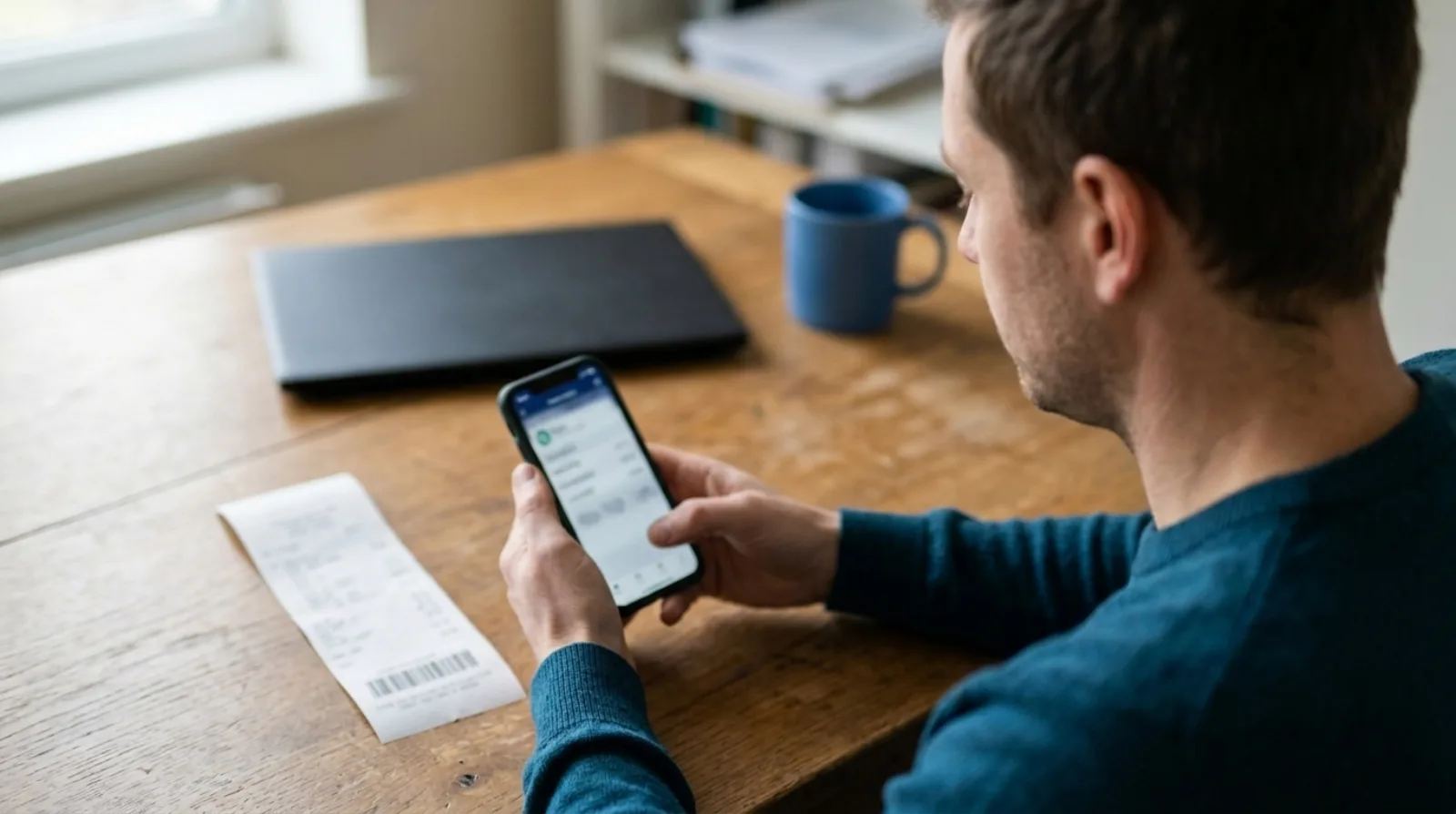
Short answer: to code a receipt in Xero from your phone, photograph it and pick the Xero account it belongs to, such as travel or software. Quenta reads the merchant, date, total and VAT, posts a spend-money transaction with the image attached, and may ask you for the account the first time a kind of purchase comes up. If you tick Remember this choice, later receipts in that category are coded the same way without a question.
This describes a workflow, not accounting or tax advice. Which account or VAT treatment is right for a purchase is a question for your accountant.
What does "coding" a receipt mean in Xero?
Coding is deciding where a purchase lands in your books. For each receipt that means a supplier, a date, a total, an account (for example travel, software or office costs), a tax rate and, if you use them, a tracking category such as a department. Typing those into Xero by hand is the slow part of bookkeeping. The photograph is easy. The coding is the work that gets put off.
Can you do it with Xero's own phone app?
Partly. Xero's own receipt scanner lives in Xero Me, and it is built around expense claims. Xero's UK page on scanning receipts describes staff photographing a receipt in the Xero Me app, with the supplier, date and amount filled in and the image kept with the claim. That suits an employee who paid personally and needs reimbursing. Check the page for which Xero plans include claims, because the plan and the number of users change what you get.
A receipt for something the business paid for with its own card is a different job. It belongs as a spend-money transaction against a bank account, and that is what Quenta creates.
How does Quenta code a receipt from your phone?
Quenta turns a photograph of a receipt into a posted Xero transaction with the original image attached. Its help guide to how it works describes the steps:
- You photograph the receipt in the Quenta app, upload a photo or PDF, or forward an emailed receipt.
- Quenta reads the merchant, date, total, currency and VAT details, and suggests a category.
- If you have made a choice for that kind of purchase before, Quenta applies it.
- Quenta creates an authorised spend-money transaction in Xero and attaches the receipt.
The first receipt in a category may ask which Xero account to use. Pick it, tick Remember this choice, and later receipts in that category can use the same account automatically. Merchant rules work the same way: a particular merchant can always map to a chosen category.
What happens to VAT?
VAT follows the default tax rate of the Xero account the receipt is coded to, when the receipt supports it. Foreign-currency receipts are posted without VAT, and Quenta may ask for the amount actually charged to your card. Quenta does not decide whether you can reclaim VAT on a purchase.
What if Quenta is not sure?
It does not post a guess. The receipt goes to Review, pinned to the top in red, with the problem in plain words: an unclear field, a missing account, a currency to confirm. Open it, correct the highlighted value, choose the account, category or department, and select Confirm & post to Xero. The review and fix guide has the full steps.
Use Remember this choice when the answer should apply again. Leave it off for an unusual purchase, so a one-off does not become a rule.
Can you change the coding after it has posted?
Yes, within Xero's limits. Open a Submitted receipt and you can recode the category, account or tracking choice on the same Xero transaction. You can also move it when the amount, organisation or paid-from account is wrong, or delete it from Quenta and Xero. Xero can refuse changes to a reconciled transaction or a locked period, and Quenta shows Xero's reason instead of altering the record.
What makes the phone photo work first time?
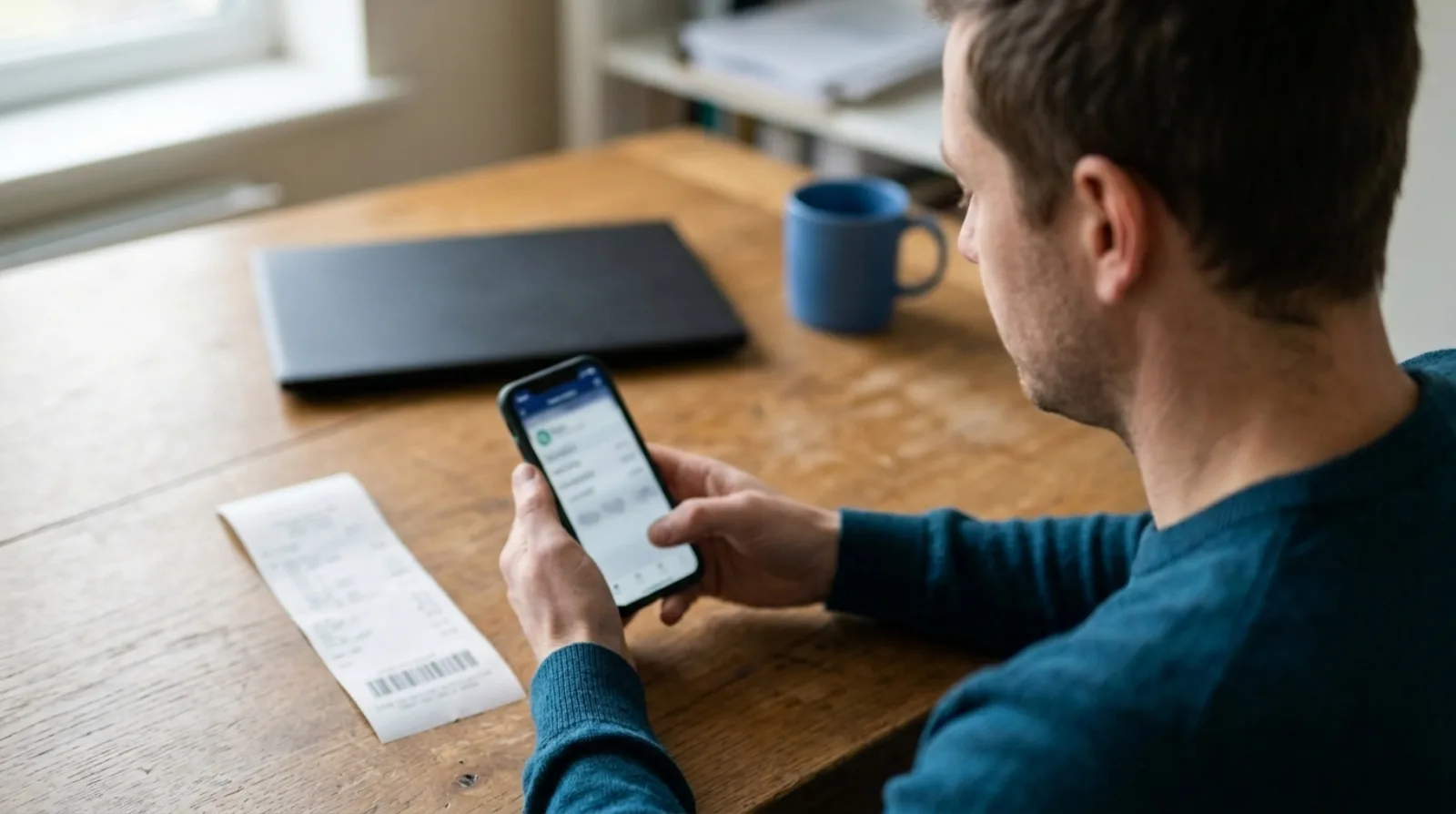
The coding starts with a readable photograph. The scan guide asks for four things:
- Lay one receipt on a flat, contrasting surface.
- Keep the whole receipt inside the corner guides, with the total and date sharp.
- Avoid glare, shadows and folds.
- For a long receipt, move back far enough to include every edge.
With no signal, the mobile app saves the capture on the phone and shows Queued offline, then uploads when it reconnects.
Quick answers
Does Quenta work with anything other than Xero? No. It posts to Xero only.
Do I have to code every receipt myself? No. You answer when Quenta needs a decision, and tick Remember this choice when the answer should repeat.
What does it cost? Quenta has a free plan with 10 receipts a month per organisation. Quenta Pro is £6 per user a month, tax included, with up to 350 receipts a month per workspace under fair use. Details are on the pricing page.
To get receipts into Xero coded, with the image attached and no typing, see receipt scanning for Xero.
Quenta is an independent app from We UC Ltd. Xero is a trademark of Xero Limited. Quenta is not affiliated with or endorsed by Xero.